The following are events to which you can subscribe your chat widget.
Update:
Events with lowercase names are deprecated. Please migrate to the new event names to ensure compatibility.
| Event type | Description |
|---|---|
| token | Issued when a user token is assigned. |
| firstOpen | Issued when the chat widget is opened for the first time. |
| open | Issued when the chat widget is opened. |
| close | Issued when the chat widget is closed. |
| refreshToken | Issued when the user token is refreshed. |
| chatEnd | Issued when a chat session has ended. |
| submitInitialForm | Issued when the initial form is submitted. |
| agentLeft | Issued when the agent has left the conversation. |
| agentJoined | Issued when the agent has joined the conversation. |
| incomingCall | Issued when an incoming RTC call is received. |
| outgoingCall | Issued when an outgoing RTC call is initiated. |
| callEnd | Issued when an RTC call has ended. |
| choiceSelect:text | Issued when a choice button is selected. |
If you're currently using the deprecated lowercase event names, update the code to use the new camelCase event names as shown below:
| Old case | New case |
|---|---|
chatend | chatEnd |
submitinitialform | submitInitialForm |
agentleft | agentLeft |
agentjoined | agentJoined |
SinchSdk.Chat.addEventListener('token', () => {
  SinchSdk.Chat.send('message');
});The chatEnd event is triggered when a chat session has ended, either by the user or the agent. You can use this event to perform cleanup actions, show a feedback form, or notify the user that the conversation is over.
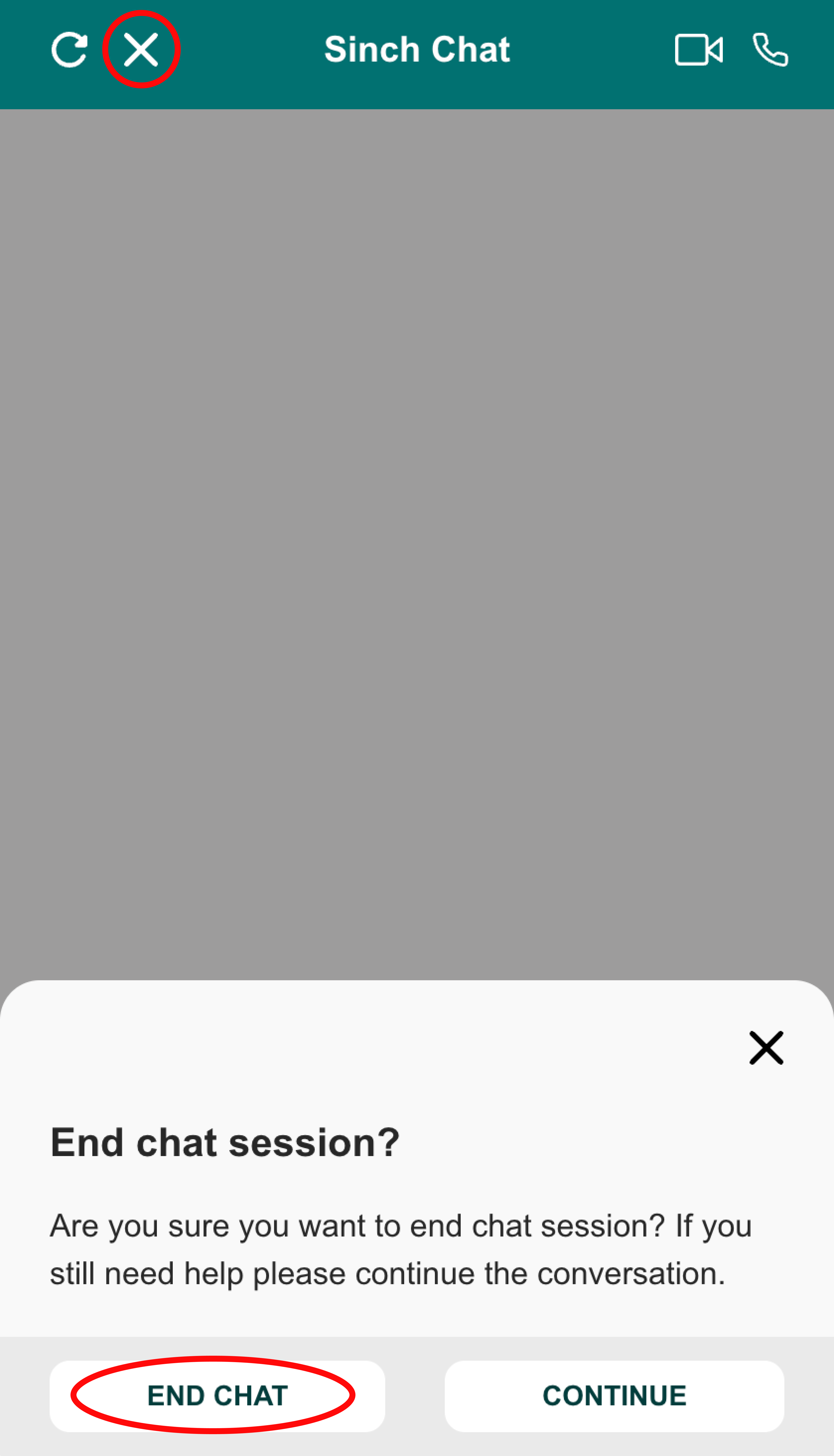
For example, you might want to display a message or redirect the user when the chat ends:
SinchSdk.Chat.addEventListener('chatEnd', () => {
  // Show a message or perform cleanup
  alert('The chat session has ended.');
});