 Sinch Agentic Tools

 Sinch SDKs


 Sinch CLI & Functions
In order to install the Omnichannel Connector app:
Navigate to the Salesforce AppExchange.
Search for
Sinch Omnichannel Connectorand double-click the appropriate listing.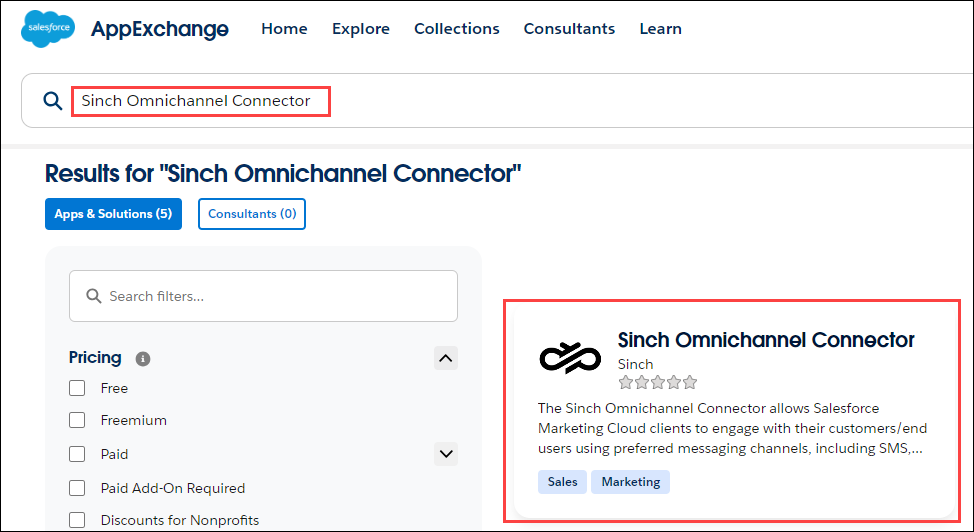
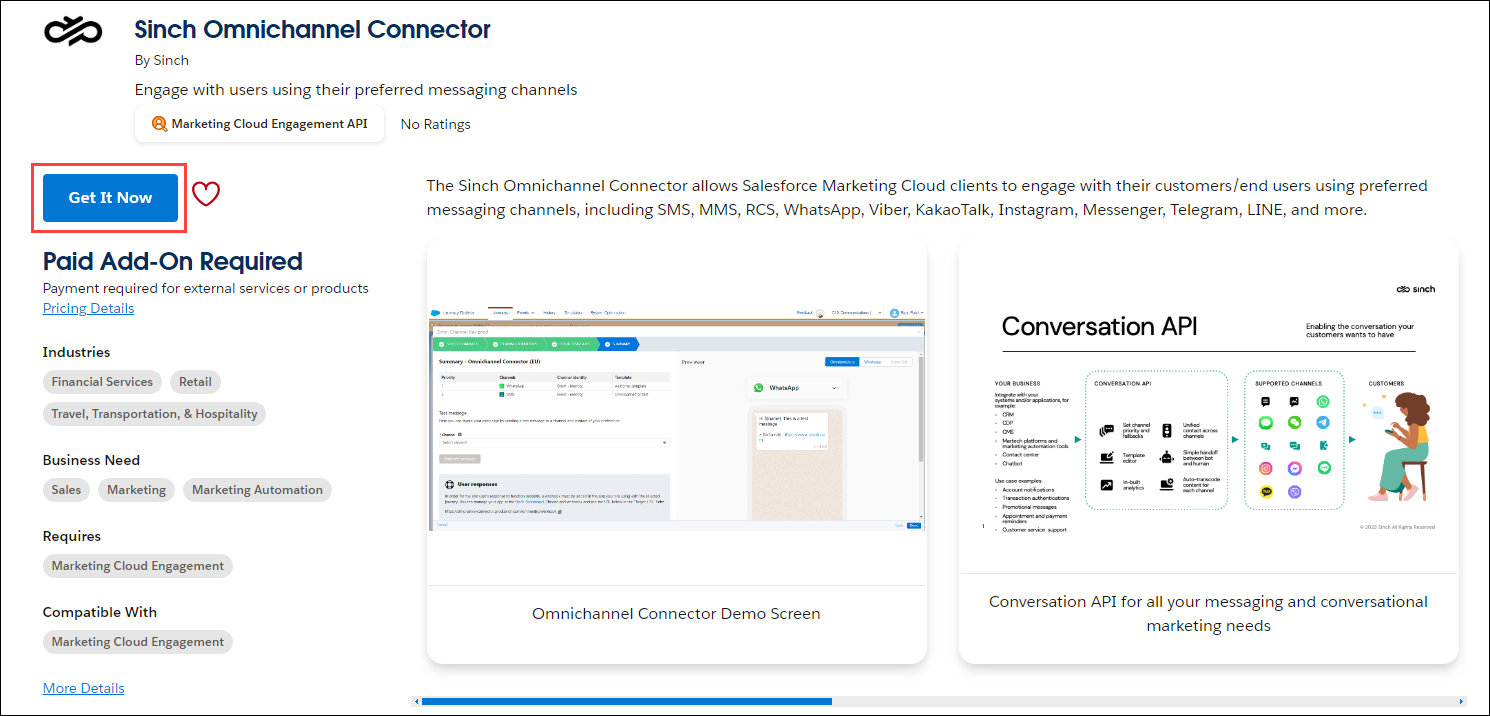
Click Get It Now.
Populate the form and click Visit Provider. An inquiry that includes the data you provided is sent to Sinch.
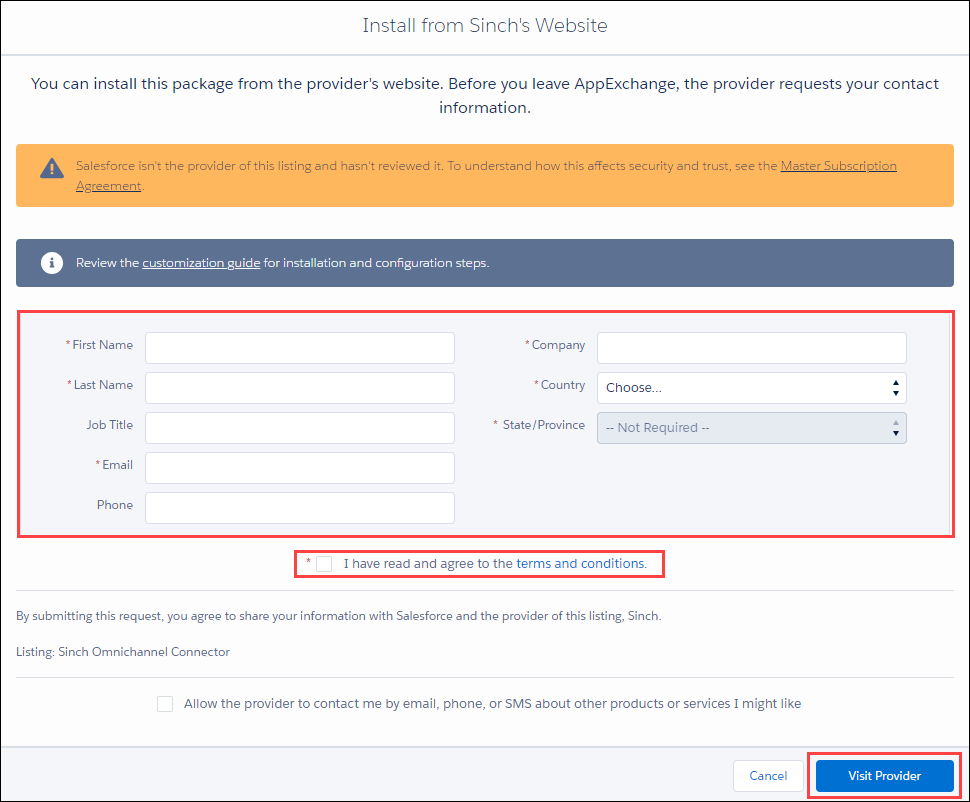
A Sinch account manager will contact you and contract you for the Sinch Omnichannel Connector. Once contracted, Sinch will provide you with an installation URL. A Salesforce Marketing Cloud administrator must log in and click the URL. The Omnichannel Connector will be added to your Salesforce Marketing Cloud solution via the app exchange.
Note:
The time between form completion and contact with a Sinch account manager may vary.

